Welp, I lost everything. The SSD that stored my entire project got corrupted and I lost all of my work. The only thing I hadn’t lost was the model and animations of the Color Gun.
Thankfully the only code I had converted to C# was the movement code, all the code for the Color gun and color changing mechanic were still written in visual scripting. The problem was now I didn’t have that original code for reference so I essentially had to rewrite everything from memory.
So after setting up a Github repo for all my files, I started over. The color changing code works by assigning each colored “paintable” material to an array. If you add the index of 2 colors together you get the index for the resulting mixed color. For example Red = 2 and Blue = 3, so adding them together you get 5 which is Purple.
With this method I could mix all the colors together relatively easily as long as I define what legal color mixtures are, otherwise I could go outside the bounds of the array.
Null = 0
White = 1
Red = 2
Blue = 3
Yellow = 4
Purple = 5
Orange = 6
Green = 7
Null = 8
Brown = 9
I ran into a weird bug where internally a material would have the correct color, but in the viewport that color was replaced with a blindingly bright orange color. I think it was a bug on Unity’s end. I fixed this by changing how colors are actually changed in the engine. Originally, I would change the color of the material itself, but this lead to the aforementioned bug, so I changed it to just changing the material itself, and I just made a different material for each color.
With the color mixing code rewritten and all the basic gameplay systems rebuilt, I could finally start on what I was originally planning to work on, visual effects.
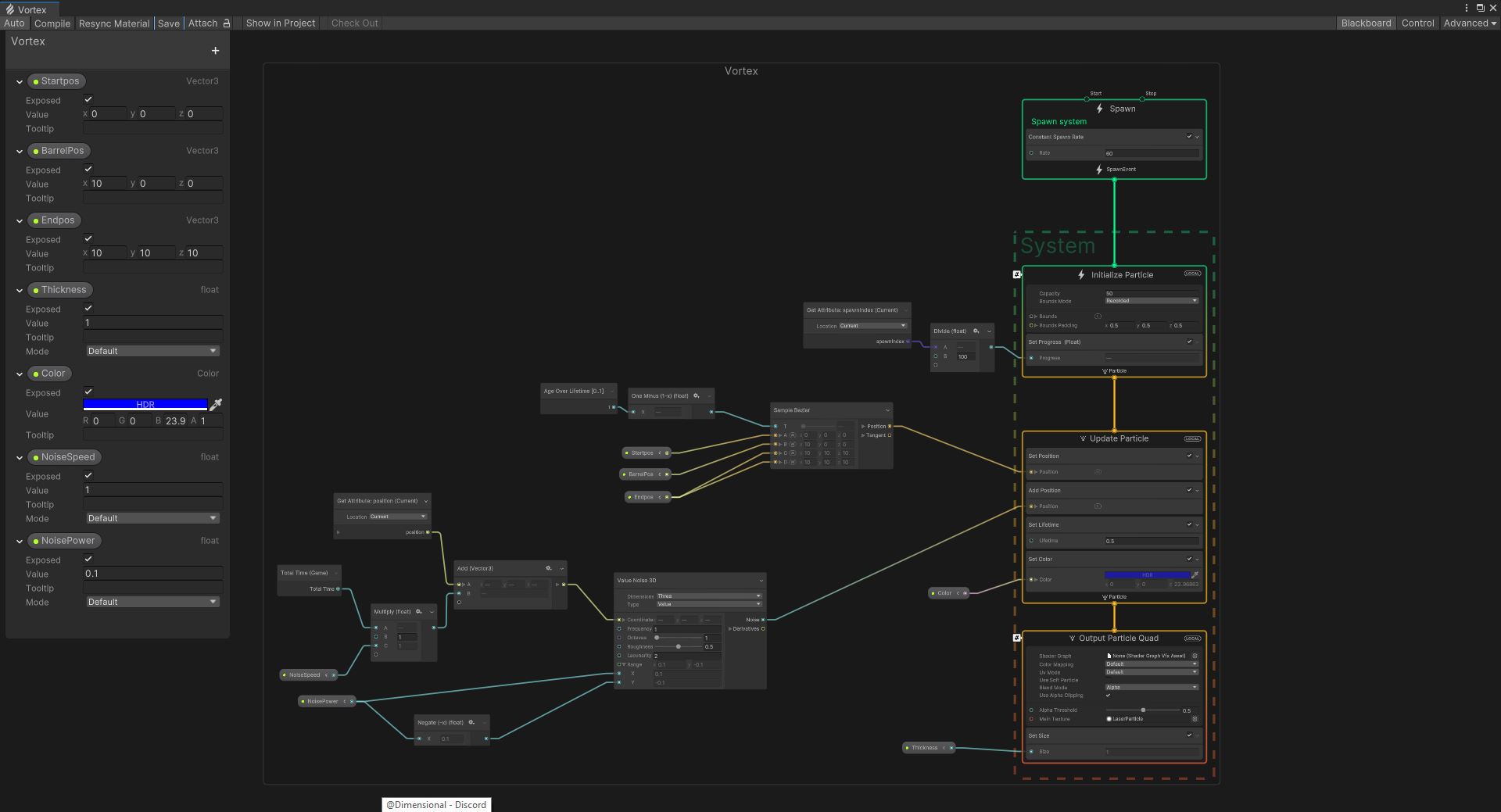
I made some basic particle effects for shooting and ejecting using Unity’s default particle system. For siphoning colors I had to bust open VFX graph. The VFX animates particles along a curve in space. I just define the start location as the target, and the end location as the gun and voila!
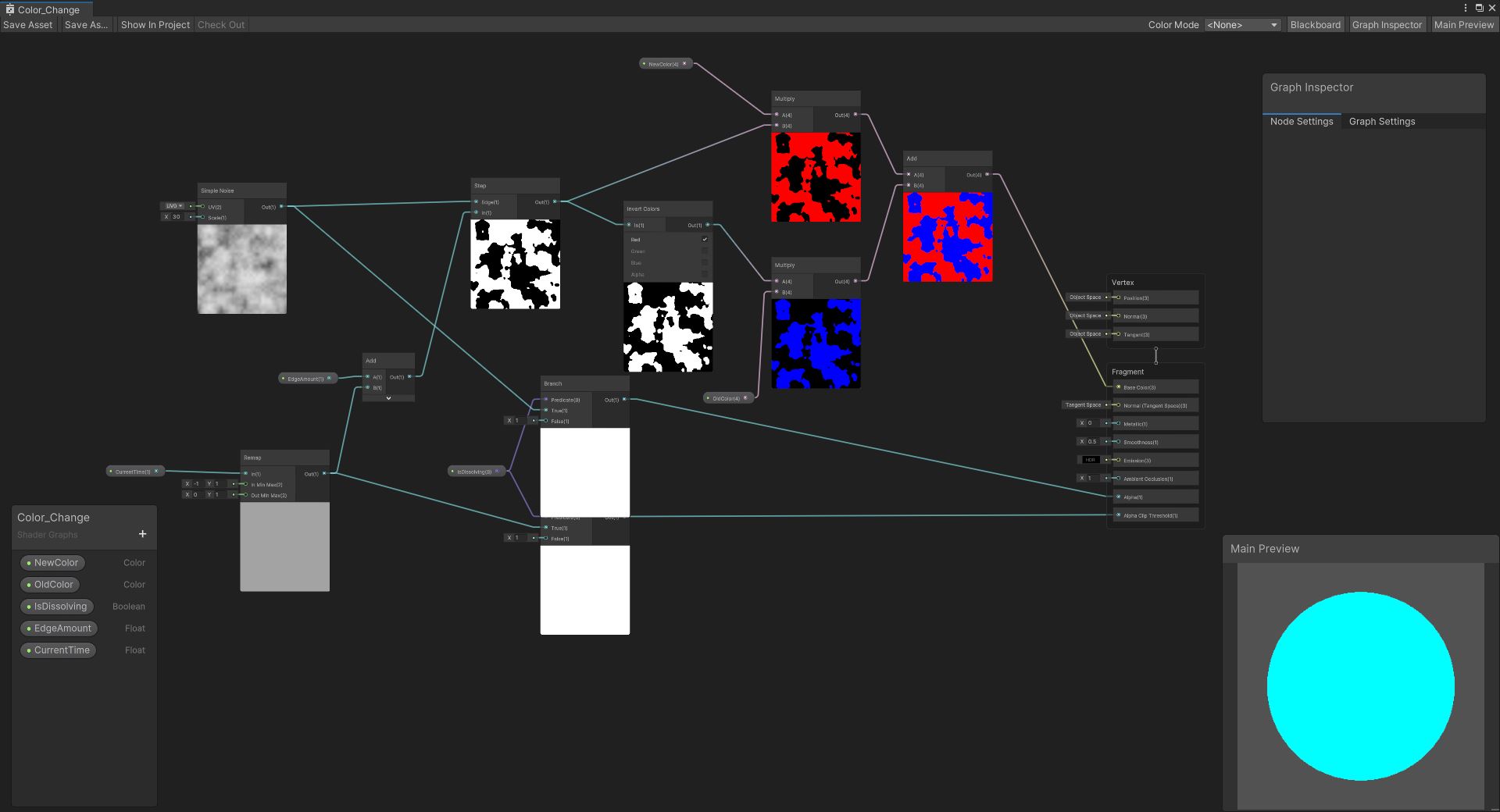
Now I needed a shader for changing the color of an object. Currently when you paint an object it changes color instantly, and I wanted to have it be a little more interesting. So I made a modified version of a dissolving effect shader, and had it change between to colors. The shader can also do the usual dissolve effect, but only when the isDissolving bool is true.
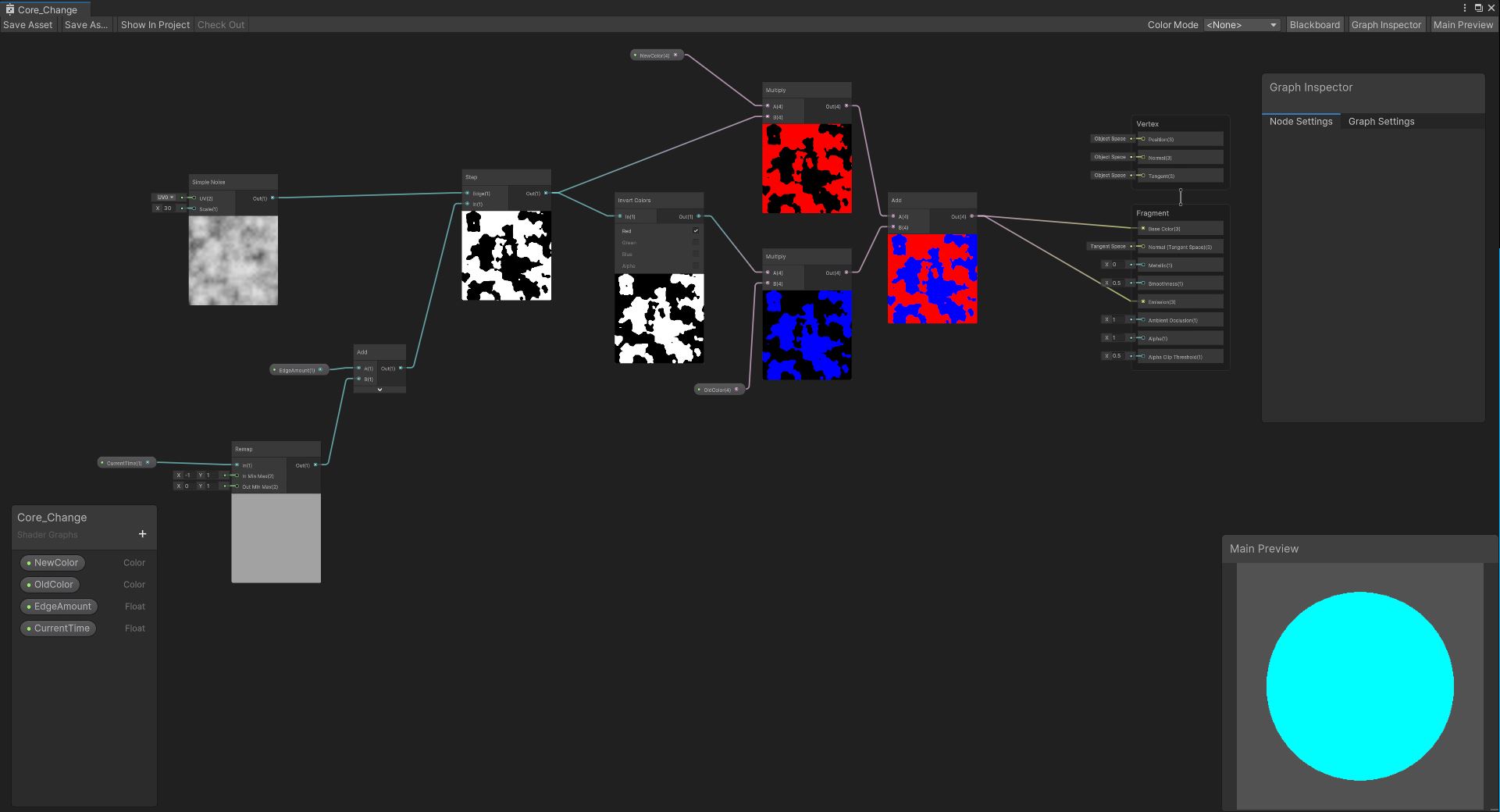
I also made a color change shader specifically for the core of the Color Gun. It’s almost identical to the color changing shader except is has no dissolving effect, and the start value for the shader animation is different. This is so that the shader animation matches the siphon particle effects. The core doesn’t start changing color until the particles actually reach the cannon.
After implementing the shader animations into the code using coroutines, I then started on sound effects.
I went on Freesound and Pixabay and started stockpiling different sounds. Then I mixed them together in Audacity to create new sound effects.
One cool thing I implemented regarding sound has to to with color. Each color has a corresponding sound pitch with colder colors having a low pitch and warmer colors being higher pitched. You can hear this in the video.
Whew… so that was a LOT of work. But I still have a lot more to do.
Now I need to build an actual level to show off all the different game mechanics ( and maybe add a few new ones).
 Benjamin Nelson | Gameplay Mechanics & Programming